|
How to Forward Messages
|   |
|
How to Forward Messages
| |
How to Forward Messages
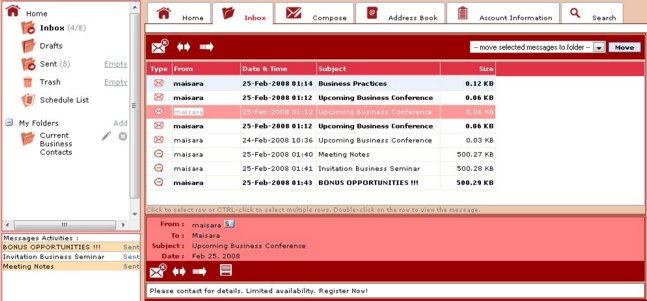
Open message.
Click "Forward". 
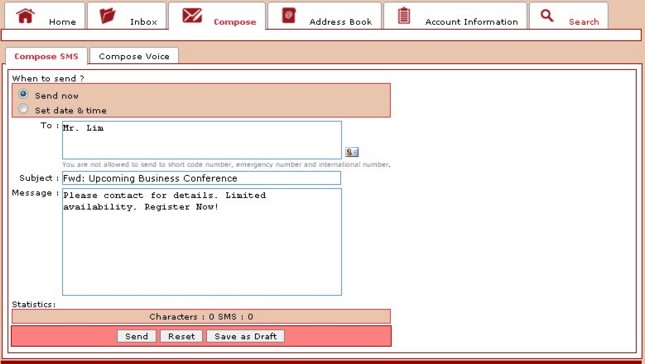
The Compose tab opens and fills in the Subject box with original message subject with "Fwd:" to indicate that it is a forwarded message.
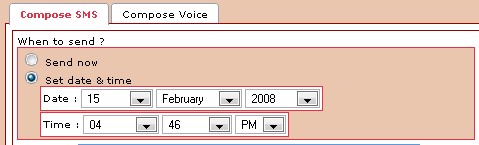
You have the option to send the message immediately by selecting "Send now" or schedule to send your message at a later time by selecting "Set date & time".
Note: You may change the Subject.
Address the message to your recipient(s).
Type your message in the text box. You can edit or delete parts of the original message.
Click "Send".